




Google has rolled out a new way to sign in to — or recover — your Google Account: a “selfie video” verification feature.
Instead of relying only on passwords, recovery emails, or a trusted device, you can now authenticate using a short video of your face. It’s aimed squarely at one of the most common support nightmares: getting locked out of an account with no working recovery method.
Here’s what the feature does, how to set it up, and what to keep in mind before you turn it on.
What is selfie video verification?
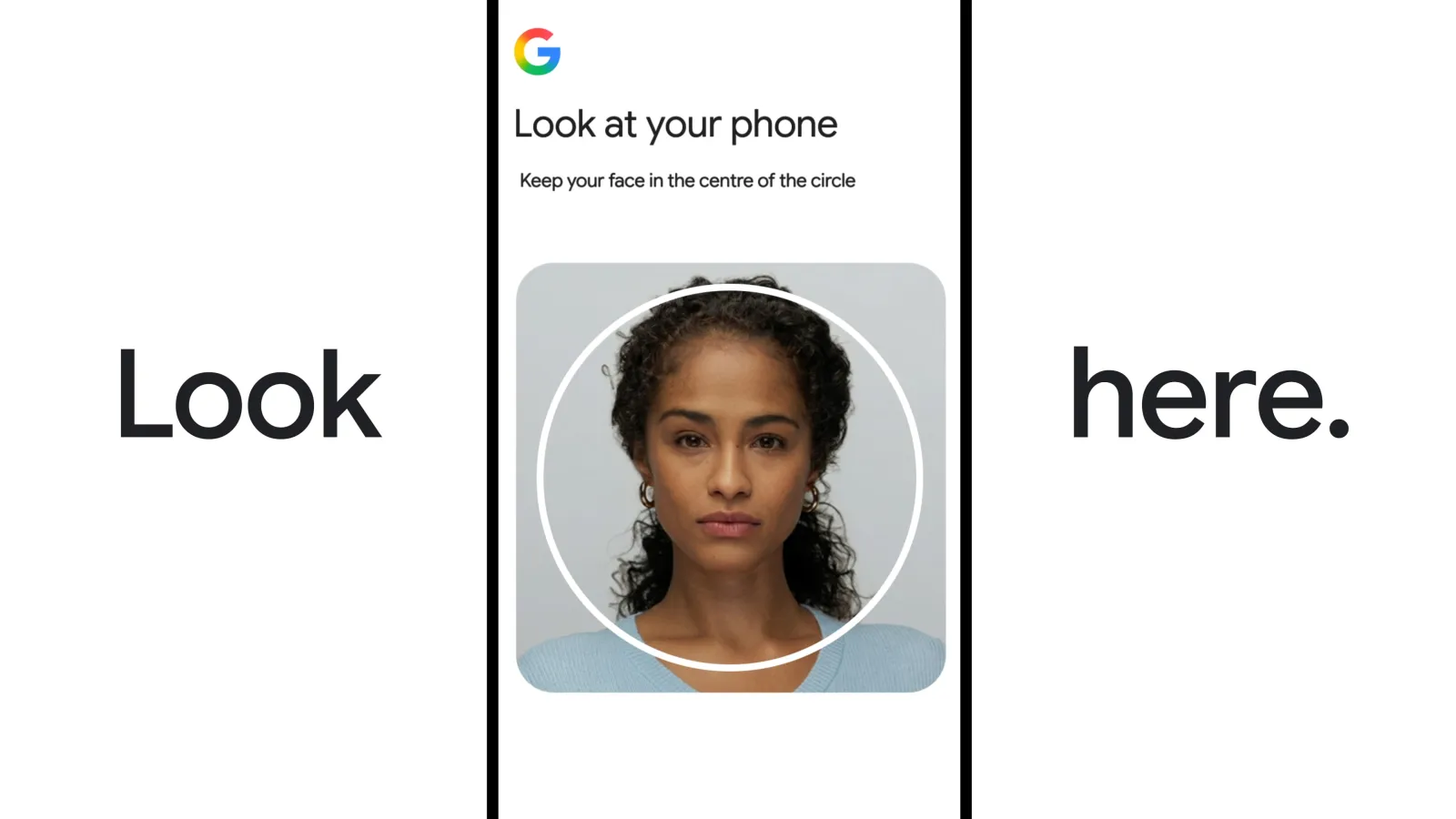
To use this feature, users must first record a reference video of their face, following prompts to move their head in various directions to capture multiple angles.Google stores this as your reference clip.
Later, if you’re locked out and need to prove it’s really you, you record a fresh selfie video, and Google’s system compares the new clip to the original, requiring simple movements to prove it’s a live recording rather than a photo or a deepfake.
It doesn’t replace your existing recovery options — it joins recovery phone numbers, recovery emails, passkeys, and recovery contacts as an additional layer.
The guided head-turn prompts are designed to catch the former; they’re less effective against the latter, since that’s a software-level attack rather than something a camera can visually detect.
How to set it up
- Go to your Google Account. Head to myaccount.google.com and open the Security section (referred to as “Security & sign-in” in Google’s rollout).
- Find “How you sign in to Google.” Under this section, look for the new Selfie video option.
- Start setup. Tap it, then continue to the Add selfie for sign-in page.
- Record your reference video. If you’re on a computer with a camera, you can record directly. If not, Google will show a QR code so you can scan it and complete the recording on your phone instead.
- Follow the head-movement prompts. You’ll be guided to turn or tilt your head to capture different angles — this is what lets Google’s system verify liveness later on.
- Confirm and save. Once the recording passes the checks, it’s stored as your reference clip for future verification.
How it works when you actually need it
If you’re ever locked out and fall back to this method, you’ll be asked to record a new short selfie video on the spot, again following on-screen movement prompts. Google’s system compares the fresh clip against your stored reference, using liveness checks to confirm it’s a real, live person rather than a static image or synthetic video, before granting access.
Managing or deleting your selfie video
You’re in full control of this data. You can delete your stored selfie video at any time from the Video Verification page, by selecting delete next to the corresponding video.</cite> Google says the clip is stored in encrypted form regardless.
Who can’t use it (yet)
This isn’t available to everyone. The feature currently doesn’t support Workspace accounts, child accounts, or users enrolled in Google’s Advanced Protection Program.
If you fall into one of those categories, you’ll need to stick with existing recovery methods for now.
Should you turn it on?
For most personal Google accounts, this is a low-friction extra safety net — particularly useful if you’ve ever been stuck outside your account with a dead phone and no access to a recovery email. The bigger question is one of trust in biometric storage: you’re handing Google a video reference of your face, even if encrypted and deletable.
If that trade-off doesn’t sit well with you, the existing recovery options (passkeys, recovery phone, trusted contacts) still work exactly as before — selfie video is additive, not mandatory.