




A Roblox gift card lets a buyer turn a fixed purchase into a code that the recipient can redeem on a Roblox account. For a crypto holder, the attraction is straightforward: supported assets can fund the purchase without a preliminary withdrawal to a bank account. The details still matter.
The buyer needs to distinguish the crypto deposit from the gift-card order, choose a sensible value, protect the code and understand how Roblox Credit is redeemed and spent.
What a Roblox gift card provides
Most Roblox gift cards add Roblox Credit after redemption. That credit can be used toward Robux or other eligible Roblox services through the web experience. Some specially marked cards work differently, so the product description should be read rather than assuming every card delivers the same form of value. A gift card is also different from a direct Robux top-up: the seller delivers a code, and the recipient decides when to redeem it.
Roblox says its gift-card codes can be redeemed worldwide and that value is converted for the account where appropriate. That reduces some of the regional friction found with other digital vouchers, but it does not remove the need to inspect the live listing. The buyer should still confirm the denomination, product description, current price and any seller-specific delivery terms before paying.
What to decide before sending crypto
The most important preparation happens before a blockchain transaction. A successful crypto transfer cannot guarantee that the desired card remains in stock or that the credited balance will equal an earlier estimate. Open the live product first, decide who will redeem the code and set a spending limit that accounts for the displayed product total and any disclosed network or funding costs.
- Use a Roblox account controlled by the intended recipient.
- Check the currently available card values and product description.
- Choose a crypto asset and network supported by both services.
- Keep access to the sending wallet, transaction record and order receipt.
How the Bitsika purchase route works
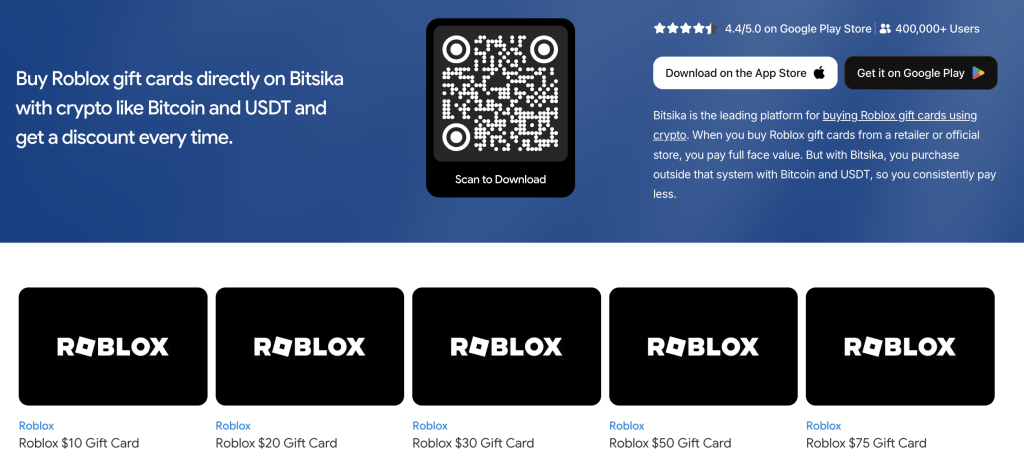
The starting point is Bitsika’s crypto route to a Roblox gift card. Bitsika uses a balance-led model: the user deposits supported crypto, including USDT or Bitcoin, waits for the balance to update and then buys an available voucher.
Funding and shopping are therefore separate events. This can be convenient when someone expects to buy several digital products, but it also means both the deposit record and the later product order should be checked independently.
1. Inspect the live Roblox listing
Review the product before funding. Confirm that it is a Roblox gift card that delivers a redeemable code, note the card values currently offered and compare the price with the intended budget.
Do not rely on a denomination seen during an earlier visit because stock and prices can change. If the card is a gift, decide which Roblox account will receive it before proceeding.
2. Choose the asset and network shown by Bitsika
Select the supported crypto asset you intend to send. Crypto is the broad category; USDT and Bitcoin are specific assets, and a network is the route used to transfer one. This distinction is especially important for USDT because it can exist on multiple networks.
Use only a network supported by both Bitsika and the sending wallet, and rely on the current deposit details rather than information saved from a previous transfer.
3. Verify the deposit before sending
Copy the displayed destination and any required memo or tag. After pasting, compare the first and last characters, then review the asset, network and amount together. Send once and save the transaction identifier.
If the balance does not update immediately, inspect the transaction status and the deposit details instead of making a second transfer merely because the first is still processing.
4. Select the card after the balance updates
Once the Bitsika balance reflects the deposit, return to the Roblox listing. Recheck the chosen value, product description and final total, then authorise the order from the credited balance.
Treat a short balance as a funding question, not a reason to choose an unsuitable product without reviewing it. Save the order receipt because it connects the payment record to the delivered voucher.
5. Keep the delivered code private
A Roblox gift-card code is spendable value. Send it only to the intended recipient through a trusted channel, and do not enter it into an unofficial checker. Anyone who obtains an unused code may be able to redeem it first. The receipt, code and any error message should remain available until redemption succeeds, but passwords, wallet seed phrases, private keys and one-time security codes should never be shared for support.
Redeeming and using Roblox Credit
For the standard route, the recipient signs in through a web browser, opens the redemption page, enters the code and waits for the confirmation. Roblox’s browser-based gift-card redemption instructions explain that the ordinary mobile app and consoles do not provide the standard redemption flow, although Samsung Galaxy users have a documented in-app option. Signing in first reduces the risk of applying the value to the wrong account.
After redemption, the balance is generally shown as Roblox Credit on the relevant web purchasing or settings pages. Roblox documents how Roblox Credit appears and can be spent on the web, including its use toward Robux. The credit is not visible everywhere in the app, so an absent mobile display is not by itself proof that redemption failed.
What to do when something goes wrong
If the crypto deposit is delayed, start with the transaction identifier, the selected asset and the network used. Contact Bitsika through a verified support channel when the blockchain record is complete but the balance remains unresolved. For a missing or unclear order, provide the order number and receipt without exposing wallet credentials.
If Roblox rejects the code, compare easily confused letters and numbers, confirm that the intended account is signed in and keep an image of the exact error. A delivery or activation issue belongs with the retailer first; an account-side redemption issue may require Roblox Support. Avoid repeated guesses across several accounts because that makes the original error harder to diagnose.
A careful Roblox gift-card purchase follows a simple order of decisions: inspect the product, verify the crypto route, wait for the balance, buy the intended card and redeem it on the correct account. Bitsika makes it possible to put crypto, including USDT and Bitcoin, toward the voucher without first cashing out to a bank, while the buyer remains responsible for the network details and the security of the delivered code.