




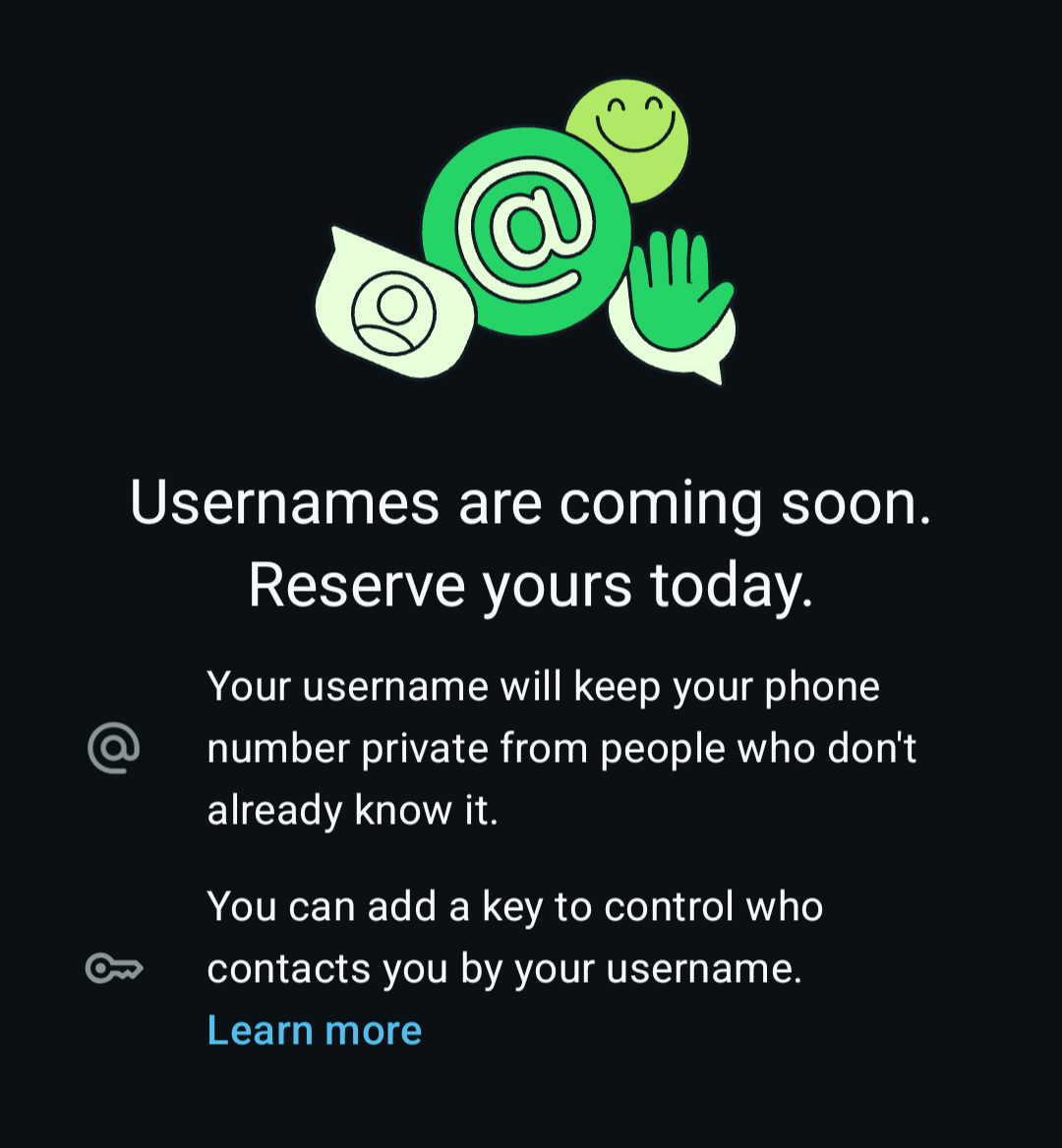
WhatsApp has started allowing users and organizations to reserve usernames ahead of the full feature rollout later in 2026. This lets you claim a unique handle early, so others can’t take it.
Usernames improve privacy (people can message you without your phone number) and branding.
Why Reserve a Username Now?
- Popular or brand-relevant names can be claimed quickly.
- Reservations secure the name for when usernames fully launch.
- Organizations/creators can link to their Instagram or Facebook handle for easier claiming.
- For businesses/media accounts, it builds brand presence without relying solely on phone numbers.
Note: Usernames are optional and must be unique. They follow rules like: 3–35 characters, lowercase letters, numbers, periods (.), and underscores (_). Must include at least one letter; cannot start with “www.”
Step-by-Step Guide to Reserve Your Username
- Update WhatsApp to the Latest Version
- Go to Google Play Store (Android) or App Store (iOS).
- Search for WhatsApp and install/update.
- For early access, consider joining the WhatsApp Beta program on Android if the option isn’t visible yet.
- Open WhatsApp Settings
- Android: Tap the three dots (⋮) > Settings.
- iOS: Tap Settings at the bottom.
- Tap your profile at the top (or go to Account > Username / Profile).
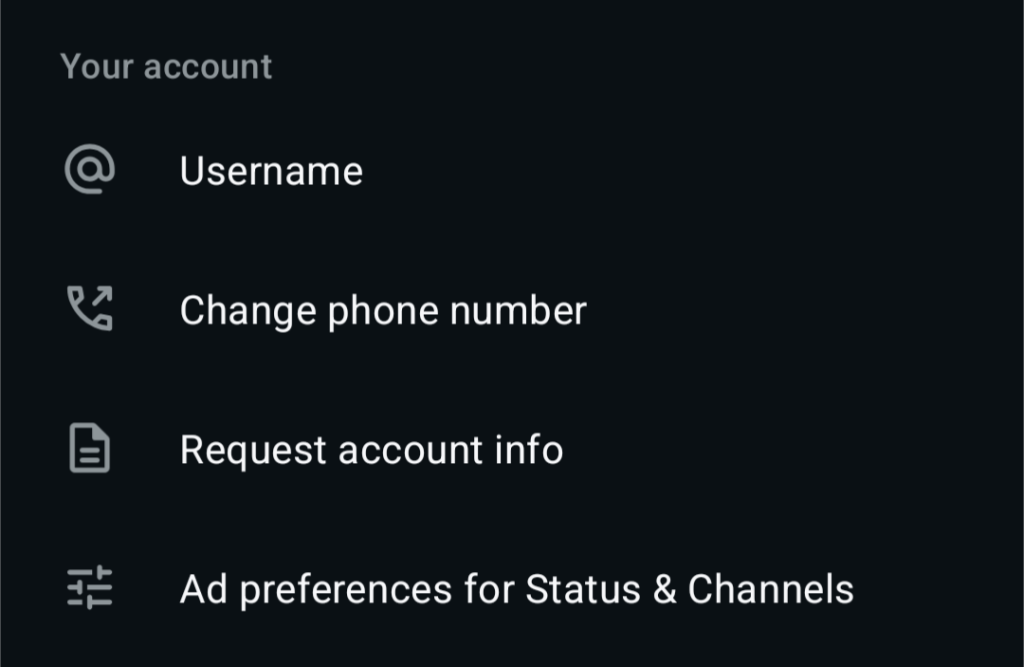
- Navigate to Username Reservation
- Look for Username, Create Username, or Reserve Username under your profile or Account section.
- If available, tap it to proceed.
- Choose and Claim Your Username
- Enter your desired handle
- The app will check availability in real-time.
- Suggestions may appear based on your name or linked accounts.
- For organizations: Link your Instagram or Facebook account via Meta Accounts Center for priority on matching handles. Verify ownership if prompted.
- Confirm and reserve. You’ll get confirmation if successful.
Common Issues and Troubleshooting
- Option not visible? Update the app, restart your phone, or wait for rollout to your region/account. Beta versions often get it first.
- Username taken? Try variations or contact support if it’s a brand infringement (limited success).
- Multiple accounts? Reserve per account/number.
- Changes: You can edit usernames later, but early reservations lock in priority.